
How to detect content decay in GSC with SERPView?
The growing and decaying tabs in SERPView give you a quick overview of trending queries and search terms. Besides, you can also see the ones who are declining. This way, you can update them as needed and fix those that are losing traction before traffic drops further.
How To Check Growing/Decaying Tabs On Your Dashboard?
Growing and decaying tabs on the dashboard are a great asset for monitoring your site's performance and what’s behind its growth and decline, provided you know how to use them.
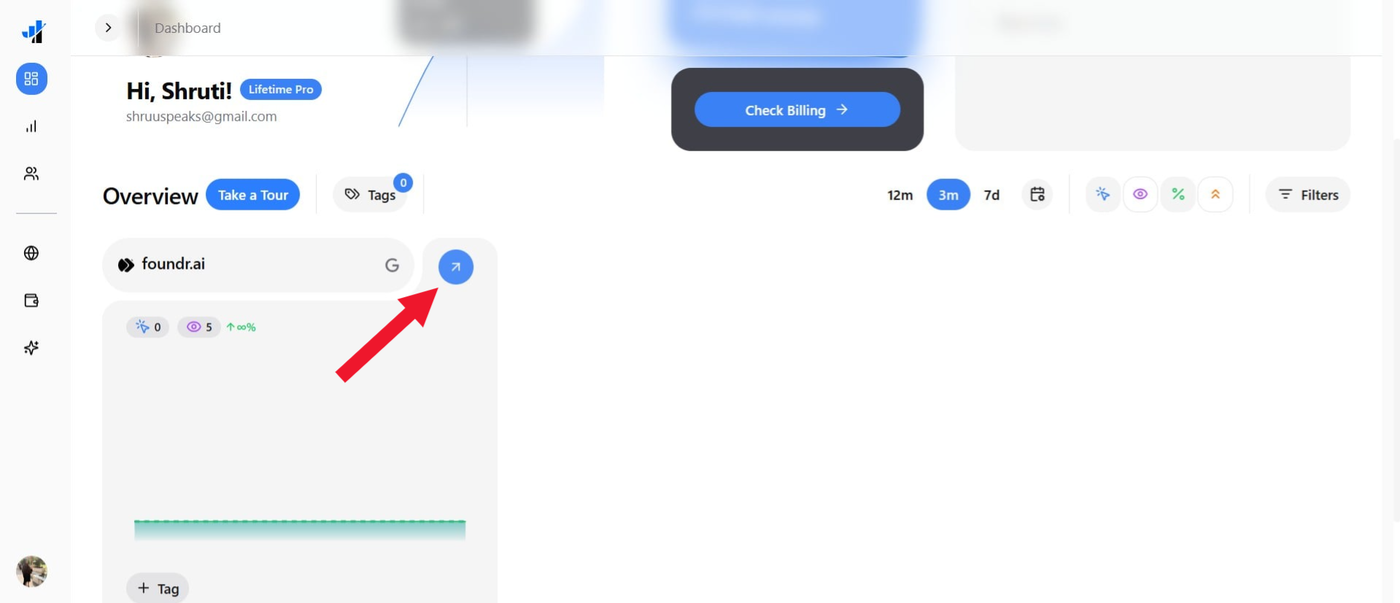
Go to the SERPView dashboard and click the arrow next to your property name.
Scroll down, and you will see Growing/Decaying tabs across Pages, Content Groups, Branded Keywords Performance, Country, and Devices.
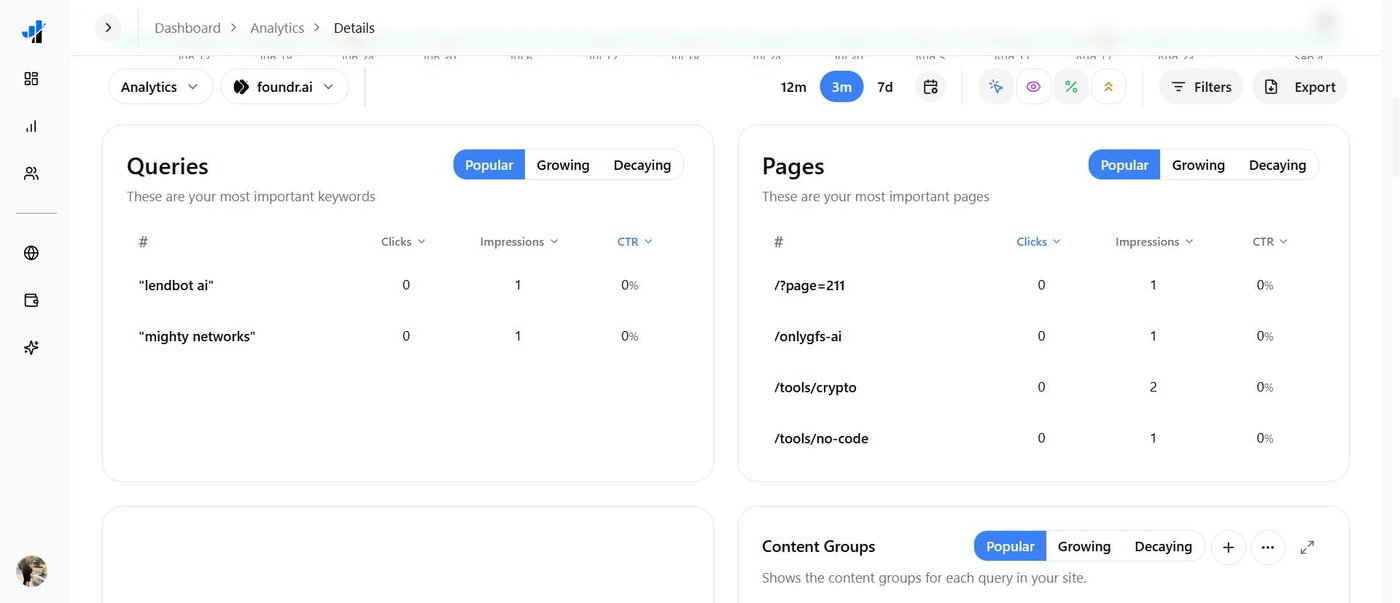
Click on the respective tab, and you will see data based on Clicks, Impressions and CTR.
The filter will be across three tabs: Popular, Growing, and Decaying:
Popular: It shows the queries, terms, or phrases that are getting the most visibility or traffic for the metric shown. For example, a branded keyword with the most impressions will appear in the Popular tab of branded keyword performance.
Growing: The tab displays queries whose performance is increasing compared to the previous timeframe. For example, a keyword that went from 5 to 20 impressions.
Decaying: Queries whose performance has decreased compared to the previous period. For example, a page that went from 100 to 40.
How Do Growing/Decaying Tabs Help?
Growing/decaying tabs across various sections help you analyze which are the best-performing and which are trending, so you can update content gaps and fix the decaying ones before they impact performance.
See which phrase or keyword is performing well, while the one that is increasing, so you can cover more clusters across it. Besides, the decaying ones help you analyze which phrases are lagging, thus impacting the performance of a group, news section, or similar. This way, you can stop the negative ones from impacting the overall group and capitalize on the potential ones.
For example, you can analyze which keywords are trending across a country or for a particular device, and can accordingly study the target audience and get them ranked. It is essential to fix the decaying ones so they don't negatively impact your site, while the best-performing ones present an opportunity to expand.
Another instance is “best oven under budget” might be trending in India but failing in the US, while “best microwave with magnetron” would be performing in the US but struggling in India due to demographics. Similarly, “best oven with warranty” might be trending in most developed nations, but would have little or no relevance in developing or underdeveloped nations.
Why Growing/Decaying Tabs Matter For Prioritization?
By analyzing growth across various content groups, you can prioritize and plan your content strategy. Also, if there’s no data available, GSC might not have enough data, or you might not have selected a suitable timeframe for filtering or sorting. For branded keywords and content groups, you can manually add more. Monitor decaying tabs and take action at the earliest before your site is affected by an algorithmic update.
Review your analytics most smartly by filtering metrics across Popular, Growing, and Decaying to work smarter and more efficiently with SERPView features.